Kanzi Monitor 1.9.0
Kanzi Monitor is a Kanzi Engine plugin that extends Kanzi applications with real-time profiling, remote debugging, and runtime inspection tools. With Kanzi Monitor you can collect profiling traces, interact with the application through a command-line interface, and render diagnostic overlays. You can also capture log messages, monitor performance metrics, and remotely inspect the scene graph through the Overwatch service and the Monitor Web UI.

Features
Kanzi Monitor provides these features:
Profiling trace output compatible with the Perfetto trace viewer
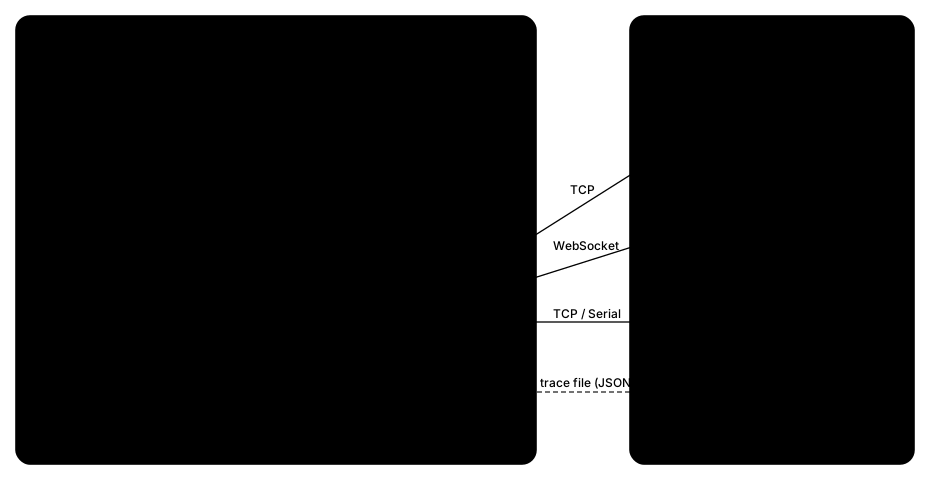
Remote access over TCP sockets and serial ports (UART)
Diagnostic UI overlays
Logger with support for on-screen presentation and console access
Performance analysis utilities
Overwatch remote inspection service with JSON-based introspection of the scene graph, resources, rendering, and performance
Monitor Web UI, a browser-based GUI for remote debugging through the Overwatch service
MCP server that exposes Kanzi Monitor Overwatch commands as structured tools for AI assistants such as Claude Code and Claude Desktop
Requirements
Kanzi Monitor has similar platform support as the equivalent release of Kanzi. For a full list of supported Kanzi platforms and requirements, see the Kanzi Engine Platform requirements, or the equivalent page for the Kanzi version you are using in your project.
Contents of the plugin package
The Kanzi Monitor package contains:
cmakedirectory contains CMake configuration files for integrating Kanzi Monitor into your project.configsdirectory contains platform-specific configuration files for Android, Linux, QNX, and INTEGRITY targets.docsdirectory contains this documentation.examplesdirectory contains example projects that demonstrate how to use Kanzi Monitor.includedirectory contains the public C++ header files for the Kanzi Monitor API.libdirectory contains prebuilt libraries for supported platforms.scriptsdirectory contains build and utility scripts.srcdirectory contains the Kanzi Monitor source code.toolsdirectory contains the RemoteConsoleClient, SerialConsoleClient, Monitor Web UI, MCP server, and profiling tools.
Installing Kanzi Monitor
During beta, Kanzi Monitor is available from the Kanzi One Extras on the Kanzi Support Portal.
To install Kanzi Monitor:
Find the Kanzi Monitor package that supports your Kanzi version and target platform on the Kanzi Support Portal.
Use the latest version of Kanzi Monitor. You can also use a source-only package to build the plugin from sources against any supported Kanzi 3.9.x version.
Extract the Kanzi Monitor package so that the
monitorroot directory is located under the<KanziWorkspace>/Engine/plugins/directory.
See also
Getting started with Kanzi Monitor