Kanzi Monitor 1.6.1
Kanzi Monitor is a Kanzi Engine plugin that extends Kanzi applications with real-time profiling, remote debugging, and runtime inspection tools. With Kanzi Monitor you can collect profiling traces, interact with the application through a command-line interface, and render diagnostic overlays. You can also capture log messages, monitor performance metrics, and remotely inspect the scene graph through the Overwatch service and the Monitor Web UI.

Features
Kanzi Monitor provides these features:
Profiling trace output compatible with the Perfetto trace viewer
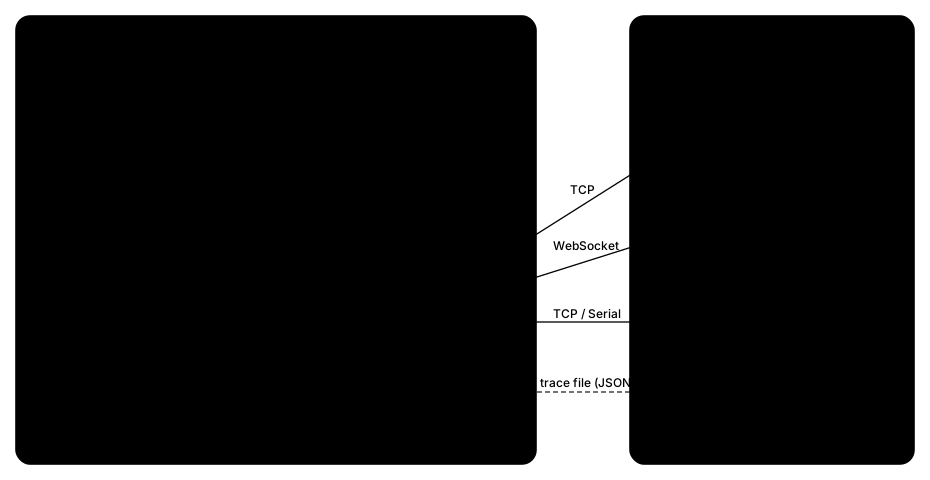
Remote access over TCP sockets and serial ports (UART)
Diagnostic UI overlays
Logger with support for on-screen presentation and console access
Performance analysis utilities
Overwatch remote inspection service with JSON-based introspection of the scene graph, resources, and performance
Monitor Web UI, a browser-based GUI for remote debugging through the Overwatch service
MCP server that exposes Kanzi Monitor Overwatch commands as structured tools for AI assistants such as Claude Code and Claude Desktop
Note
This release targets Kanzi 3.6. It backports the Overwatch inspection commands — including detailed resource enumeration, texture and render-pass previews, framebuffer listing, and screenshot capture — to Kanzi 3.6, where some behave differently than on Kanzi 3.9+: resource enumeration is loaded-only, and screenshot capture is driven by the application’s per-frame hook. See Release notes.
Requirements
Kanzi Monitor has similar platform support as the equivalent release of Kanzi. For a full list of supported Kanzi platforms and requirements, see the Kanzi Engine platform requirements for the Kanzi version you are using in your project.
Kanzi Monitor supports Kanzi 3.6.x from 3.6.3 upward, verified against Kanzi 3.6.21. Statically linked builds are supported across the whole range; the dynamically linked (DLL) plugin requires Kanzi 3.6.4 or newer, because Kanzi 3.6.3 does not export the profiling registry across a DLL boundary. Prebuilt packages are published for Kanzi 3.6.21; packages built against other supported 3.6.x versions are provided on demand — if the version you need is not available, contact the Rightware support team at support.rightware.com.
Contents of the plugin package
The Kanzi Monitor package contains:
cmakedirectory contains CMake configuration files for integrating Kanzi Monitor into Android projects.configsdirectory contains platform-specific build configuration files for Windows, Android, and Linux targets.docdirectory contains the rendered offline HTML documentation. It is bundled in every platform package (the source-only package omits it).examplesdirectory contains an example project that demonstrates how to use Kanzi Monitor.includedirectory contains the public C++ header files for the Kanzi Monitor API.libdirectory contains prebuilt libraries for supported platforms.scriptsdirectory contains build and utility scripts.srcdirectory contains the Kanzi Monitor source code.toolsdirectory contains the RemoteConsoleClient, SerialConsoleClient, Monitor Web UI, and MCP server.
Installing Kanzi Monitor
To install Kanzi Monitor:
In Kanzi Hub, in the Feature Packs, select your Kanzi Studio version and the platform on which you want to use Kanzi Monitor.
Click Download to download and extract Kanzi Monitor to the
<KanziWorkspace>/Engine/pluginsdirectory.
Use the latest version of Kanzi Monitor. You can also use a source-only package to build the plugin from sources against any supported Kanzi 3.6.x version.
See also
Getting started with Kanzi Monitor