Kanzi VR 1.13.0
The Kanzi VR feature pack enables you to test and validate a multi-display HMI design in an early phase when you do not have the access to physical displays or a physical dashboard model.
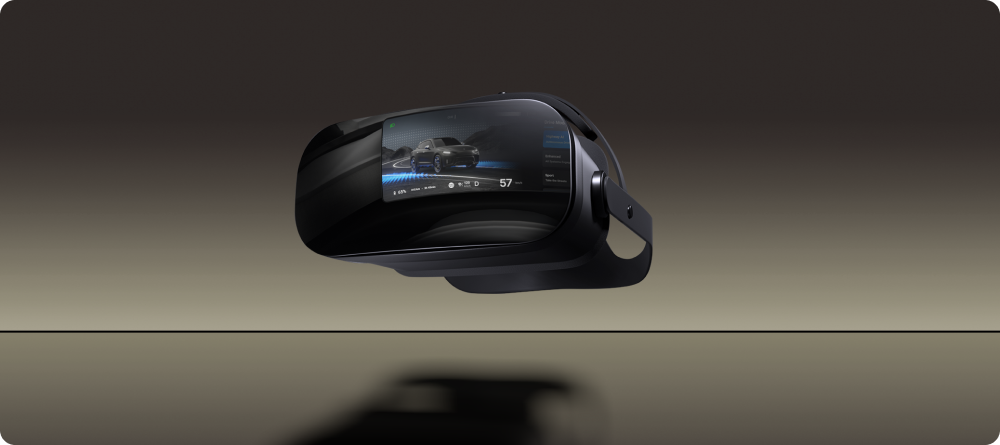
With Kanzi VR you can test and validate your applications in an interactive virtual environment. You interact with this virtual environment with either a 3D rendered application on a desktop computer screen or through a VR headset.
Requirements
Kanzi VR works with Kanzi 3.9.13 on Windows.
Requirements for VR experience
To experience the virtual environment through a VR headset, you need an OpenXR-compatible headset and controllers connected to a Windows computer.
These VR headsets and controllers have been tested to work with Kanzi VR:
Varjo VR-2 headset with HTC VIVE controllers, Valve Index controllers, and SteamVR Base Stations (2.0)
Oculus Quest 2 headset and controllers
HTC VIVE Cosmos Elite headset and HTC VIVE controllers
Contents of the plugin package
The package includes:
configurationsdirectory contains the example virtual environment configurations.docdirectory contains this documentation.examplesdirectory contains the example Kanzi Studio projects of Kanzi VR including a virtual environment of a car cockpit with streamed-in digital displays.launcherdirectory contains the Kanzi VR Launcher that you can use to configure and start virtual environments.plugins-streamingdirectory contains the Streaming Plugin:applicationsdirectory contains source code and executable files for the Kanzi VR application that enable streaming of kzb content.libdirectory contains the Streaming Plugin library files for the supported platforms, including the Windows DLL files to be used as Kanzi Engine Plugins in Kanzi Studio.streaming-web-resourcesdirectory contains the web resources utilized by Streaming Plugin for Receiving streams in a browser.
plugins-vrdirectory contains the VR Plugin:applicationsdirectory contains source code and executable files for the VR Viewer application. These enable viewing kzb content in VR.libdirectory contains the VR Plugin library files for the supported platforms, including the Windows DLL files to be used as Kanzi Engine Plugins in Kanzi Studio.
Installing Kanzi VR
To install Kanzi VR:
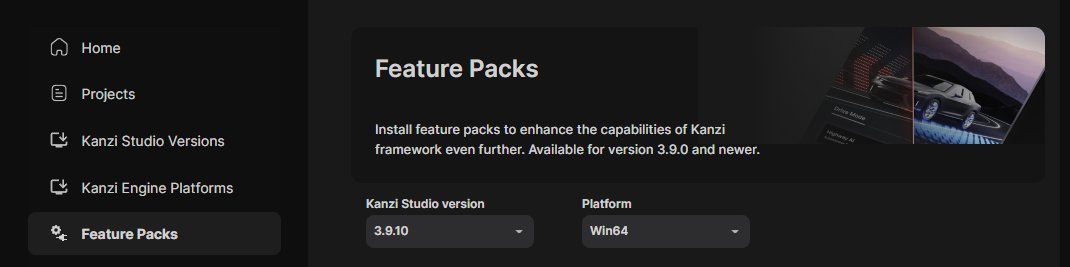
In Kanzi Hub, in the Feature Packs, select your Kanzi Studio version and the Win64 platform.
Download Kanzi VR and extract the content of the zip file to the
<KanziWorkspace>/Engine/pluginsdirectory.If the
<KanziWorkspace>/Engine/pluginsdirectory does not exist, create it.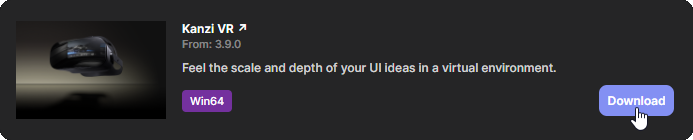
After you install Kanzi VR, to learn how to start using Kanzi VR, see Getting started with Kanzi VR.
For a technical overview of Kanzi VR, see Architecture.
Feedback and support
Your feedback is very important to us. To send your questions, findings, and comments, use the Kanzi Support Portal at support.rightware.com. When submitting a request regarding Kanzi VR, set the Product field to Kanzi VR.