Kanzi Figma Importer 2.0.0
Kanzi Figma Importer lets you transfer designs from Figma to Kanzi Studio and continue to work with them as native Kanzi assets. The transfer preserves the designer intent: main components become prefabs, Figma variables become bound properties, and named styles stay named.
Note
Kanzi Figma Importer is an experimental product. Workflows, APIs, and the feature set will evolve as the product matures. Expect breaking changes between releases.
Kanzi Figma Importer follows a transfer-on-demand philosophy: instead of importing the whole Figma file at once, you transfer only the parts you currently need. This mirrors the natural design workflow, keeps the Kanzi project lean, and lets you re-import individual pieces without disturbing existing work.
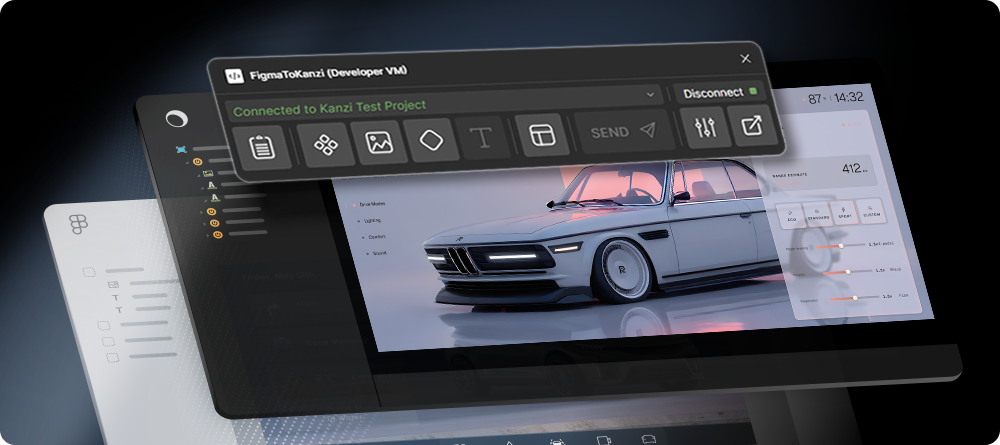
Kanzi Figma Importer is a three-part workflow:
A Figma plugin that sends the selected layers from Figma.
A small local bridge server that routes packets between Figma and Kanzi Studio.
A Kanzi Studio plugin that receives the transfer, reviews it, and adds the assets to your project.
What to do next
To install Kanzi Figma Importer, see Installing for the KPM and the standalone-installer paths.
To pair the Figma plugin with Kanzi Studio for the first time, see Your first connection.
To run the Figma plugin in a browser or on a different machine than Kanzi Studio, see Online mode.
To learn the Figma plugin UI and selection rules, see Figma plugin overview and Selection rules.
To learn about the six transfer modes, see Transfer modes.
For Figma authoring guidelines that produce clean transfers, see Best practices.
Feedback and support
Kanzi Figma Importer is under active development, and your feedback shapes the next release. To send questions, findings, and comments, use the Kanzi Support Portal at support.rightware.com.