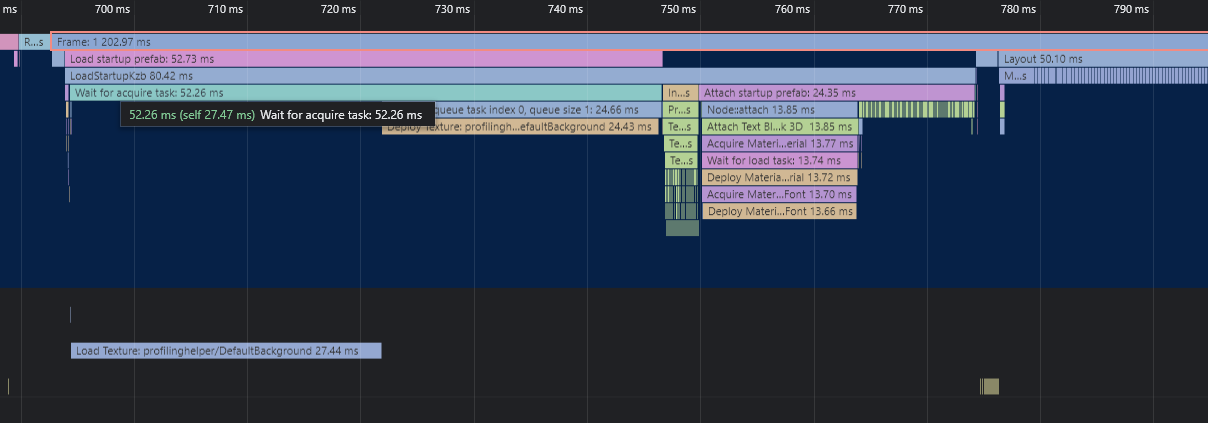
Using Google Chrome to visualize Kanzi profiling data
Google Chrome comes with a built-in profiling data visualizer. After you install Google Chrome, you can use the profiling data visualizer offline.
To visualize Kanzi profiling data with Google Chrome:
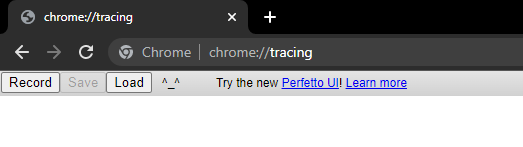
Open Google Chrome and go to chrome://tracing/.
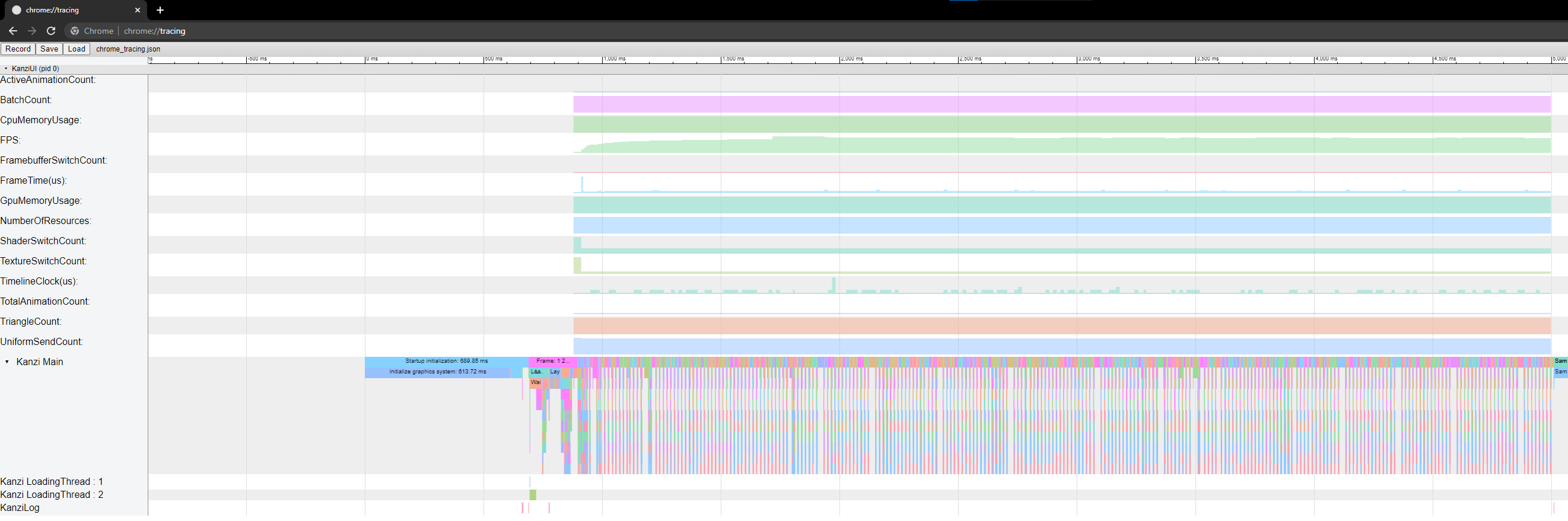
Click Load and select the file that contains your profiling data.
Google Chrome visualizes the profiling data.
Tip
In the Google Chrome tracing view, click ? in the upper right corner for keyboard shortcuts and mouse controls for actions such as zooming and panning the visualization.