Reimporting content
If you modify a USD file that you already imported, you can reimport an entire scene or only selected items. Make sure that the location of the USD file from which you want to reimport remains the same.
To reimport content in your Kanzi Studio project:
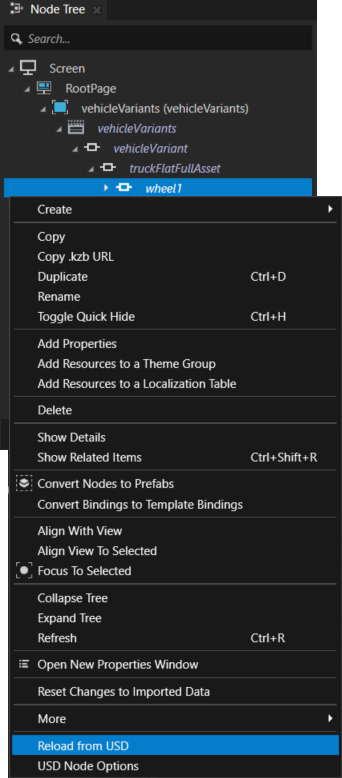
To reimport an entire scene, in the Node Tree, right-click the Scene that you want to reimport and select Reload from USD.
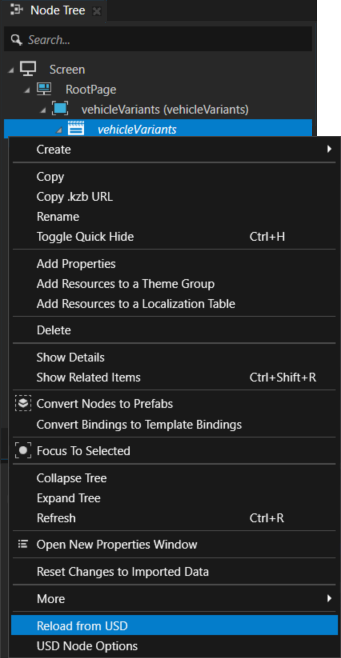
To reimport only a selected item, in the Node Tree, right-click the item that you want to reimport and select Reload from USD.
Kanzi USD Importer imports only the selected node and its child nodes, even if other nodes contain changes.