Render passes (experimental)
Note
This is still an experimental feature. In the future versions we will improve the feature quality, performance, and stability.
Render passes allow you to dynamically set up Kanzi rendering environment. Currently Kanzi USD Importer supports only enabling shadows.
Shadows
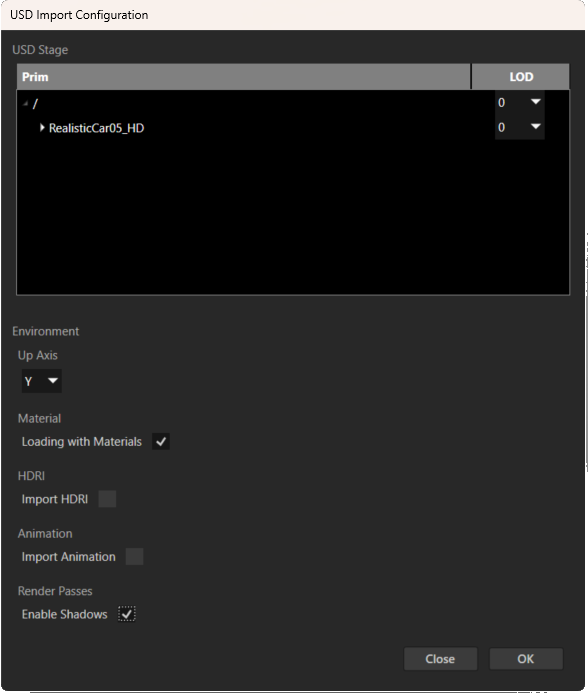
In the Kanzi USD Importer configuration window, select Enable Shadows. Import can take more time than usual. After successful import, restart the Kanzi Studio Preview (Ctrl + F8`).
The real-time technique used for creating shadows is shadow mapping. The scene is rendered from the perspective of every imported light. For this purpose, Kanzi USD Importer adds temporary shadow cameras under each light node. Kanzi USD Importer generates a shadow map render pass prefab for each light type. During ‘Shadow Compose’ pass, all lights present in the scene are collected, and a shadow map is generated for each light. The resulting depth maps are bound to the main rendering pipeline.
The Occluder tag is used to determine whether a mesh should cast shadows. All imported meshes have Occluder tag added by default, meaning they will cast shadows.
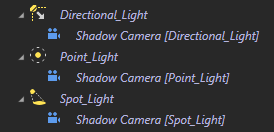
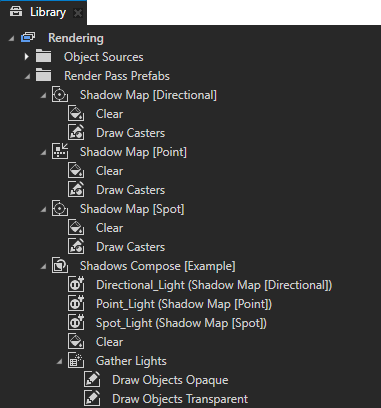
Common reasons shadows are not visible or look incorrect:
Incorrect light radius. Make sure that the imported lights have correct radii. USD format supports physically based lighting and there is no straightforward way of converting such lights to Kanzi lights.
Shadow camera settings issue:
For point and spot light issues with big radius, increase the value of the Z Near property.
For directional light issues, switch to the directional shadow camera view, then adjust the Z Far, Orthogonal Plane Size, and Transformation properties so that the scene is fully visible and centered in the view.
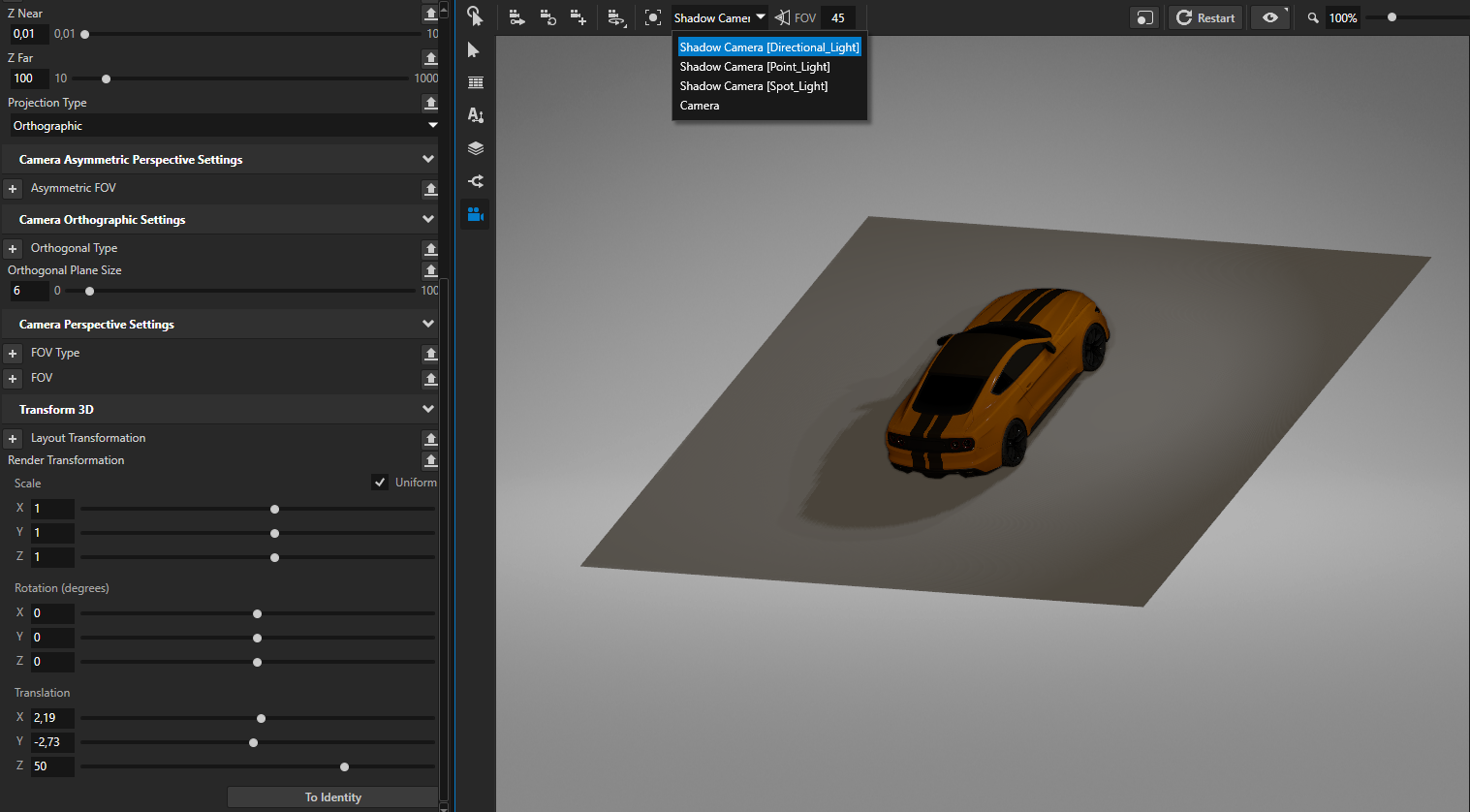
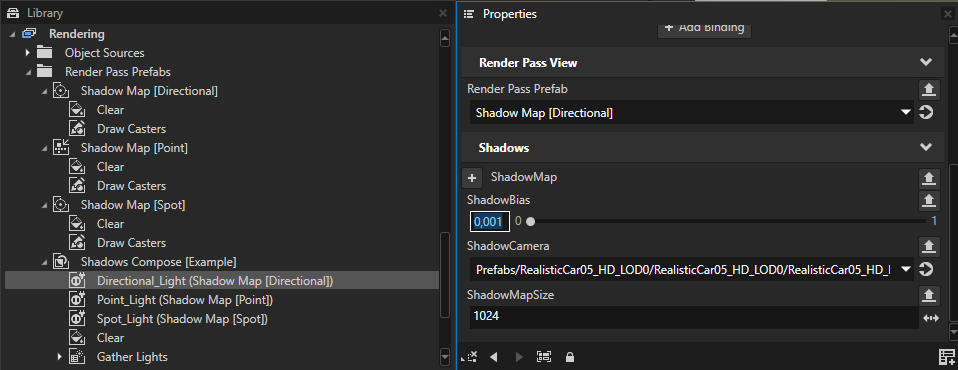
Incorrect shadow bias. Too high shadow bias can result in detached or missing shadows. Too low bias can cause visible artifacts on the surface (shadow acne).
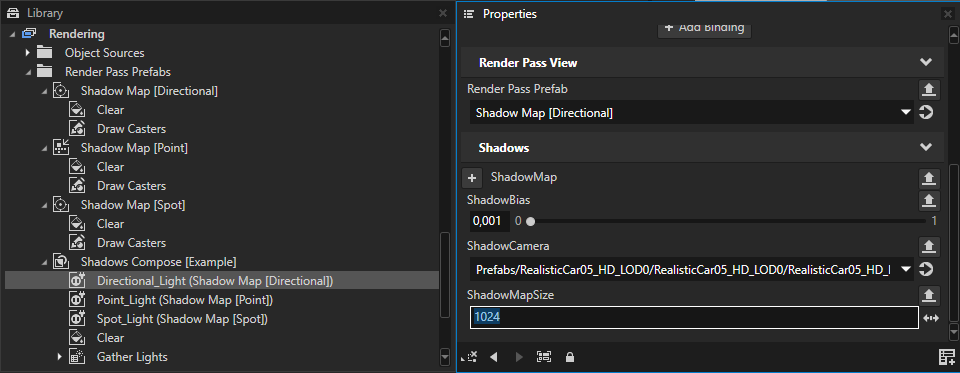
Low quality shadows. Increase shadow map size resolution.
Mesh is missing the required Occluder tag.