Using the Asset Toolkit assets
You can add assets from the Asset Toolkit asset source to your Kanzi application in Kanzi Studio. For a list of the Asset Toolkit assets, see Asset Toolkit.
Using Asset Toolkit in your project
To use Asset Toolkit in your project:
In the Asset Packages window select the Asset Toolkit asset source.
The Asset Toolkit contains easy, ready-made components and materials with a similar structure and set of properties, that you can use to create Kanzi applications faster.
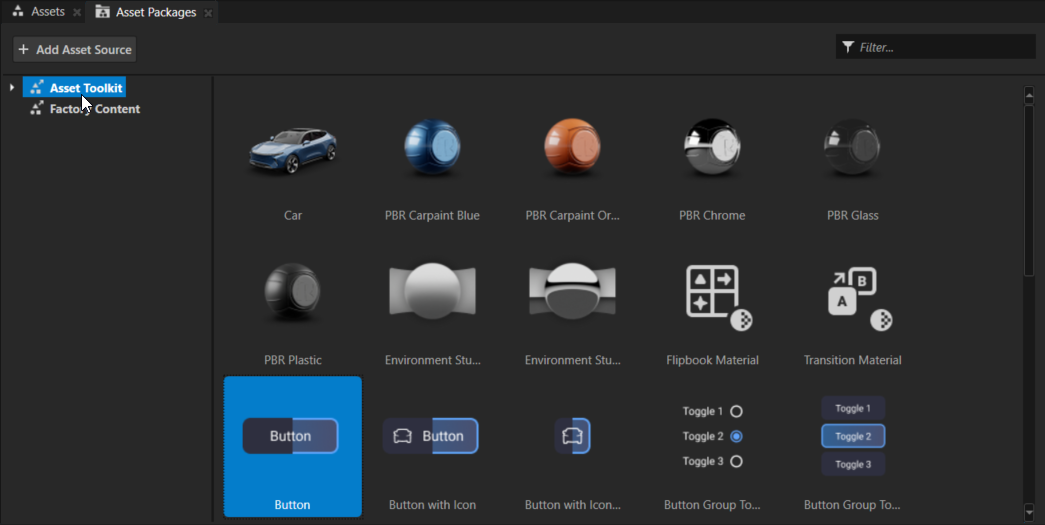
From the Asset Packages, drag the item that you want to use in your project to a node in the Node Tree, to the Prefabs, or to the Preview. The cursor will indicate whether you can drop the item in that location or not.
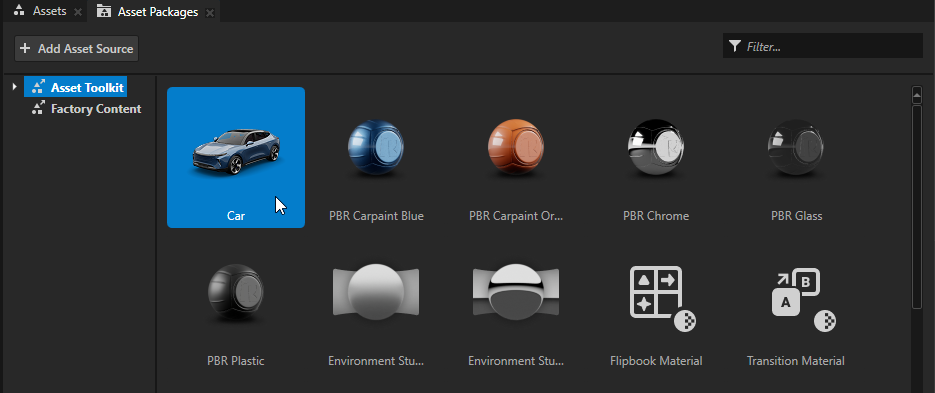
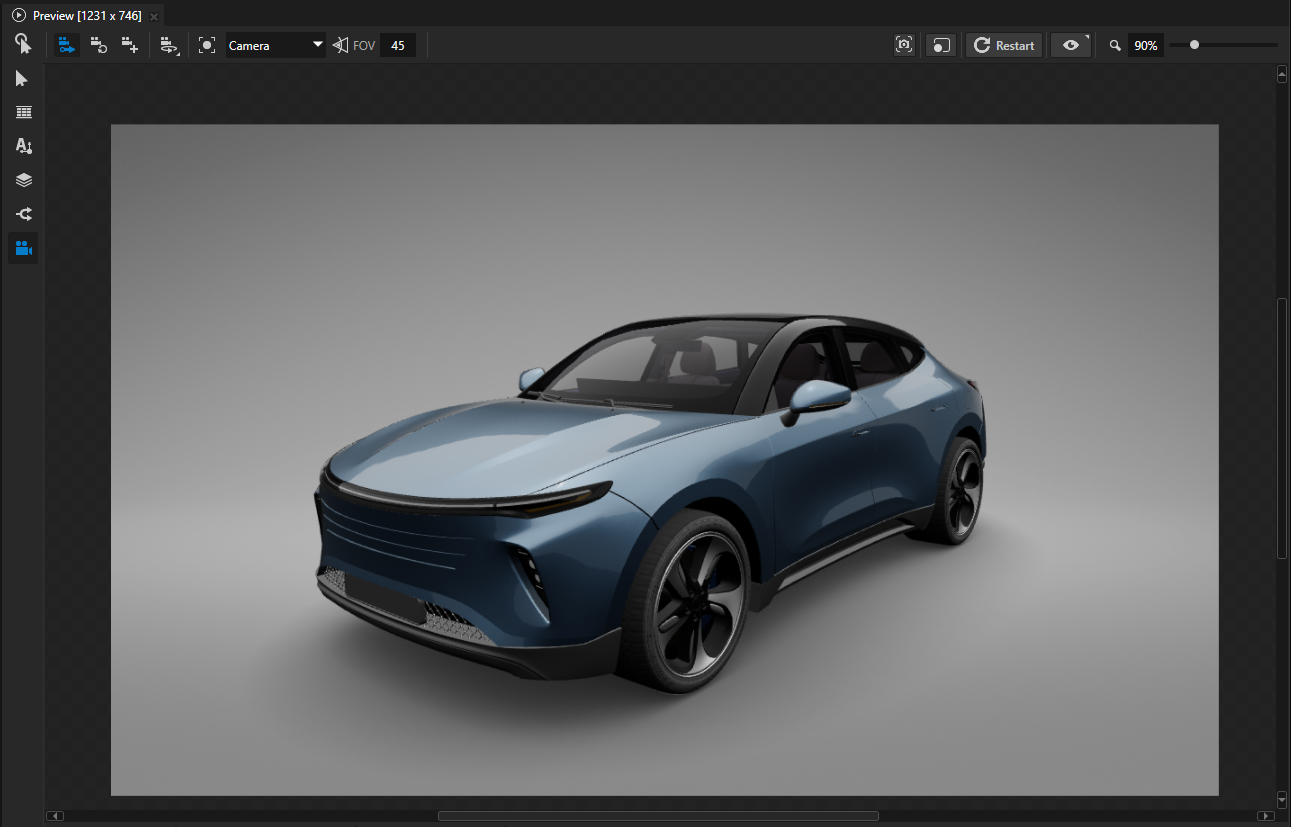
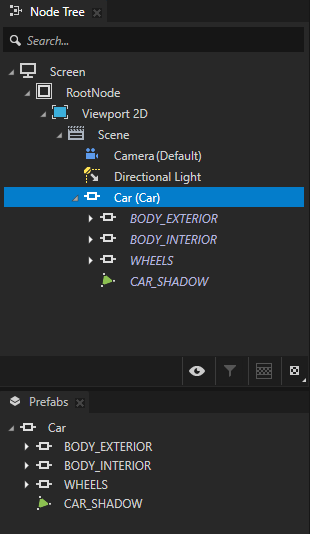
For example, drag the Car to the Preview. When you drag an item from the Asset Packages to the Preview or a node in the Node Tree or Pages, Kanzi Studio instantiates that item as a prefab, and adds it to the Prefabs.
Using Asset Toolkit materials in your project
To use Asset Toolkit materials in your project:
In the Asset Packages window select the Asset Toolkit asset source.
The Asset Toolkit contains easy, ready-made components and materials with a similar structure and set of properties, that you can use to create Kanzi applications faster.
From the Asset Toolkit drag the material that you want to use in your project to a node in the Preview, or a node in the Node Tree.
For example, to use a paint material to turn the sunroof on the car to a metal, drag that material to either:
Preview and drop it on the car body part.
Node Tree and drop it on the Model node that shows the mesh for the car body part.
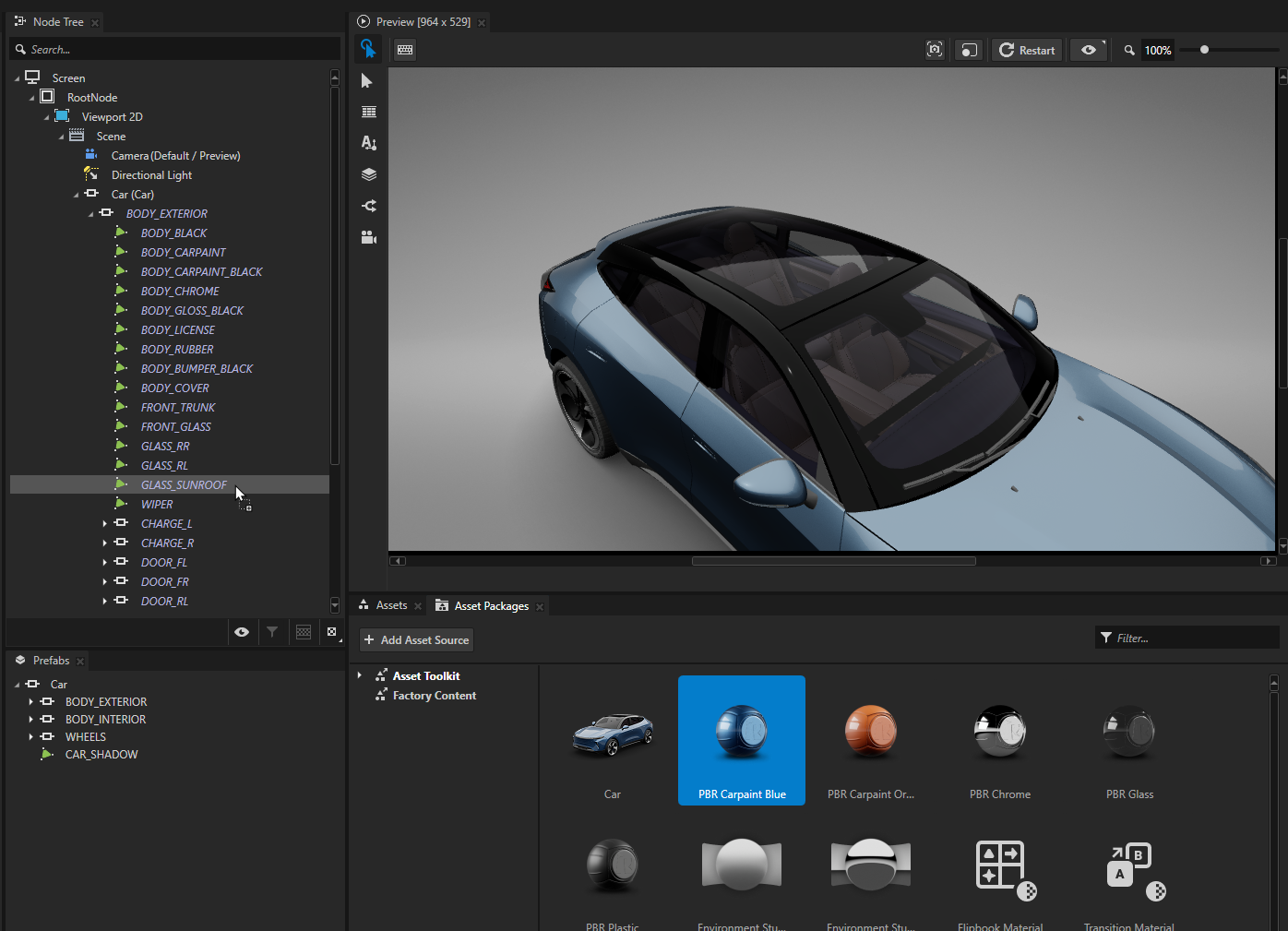
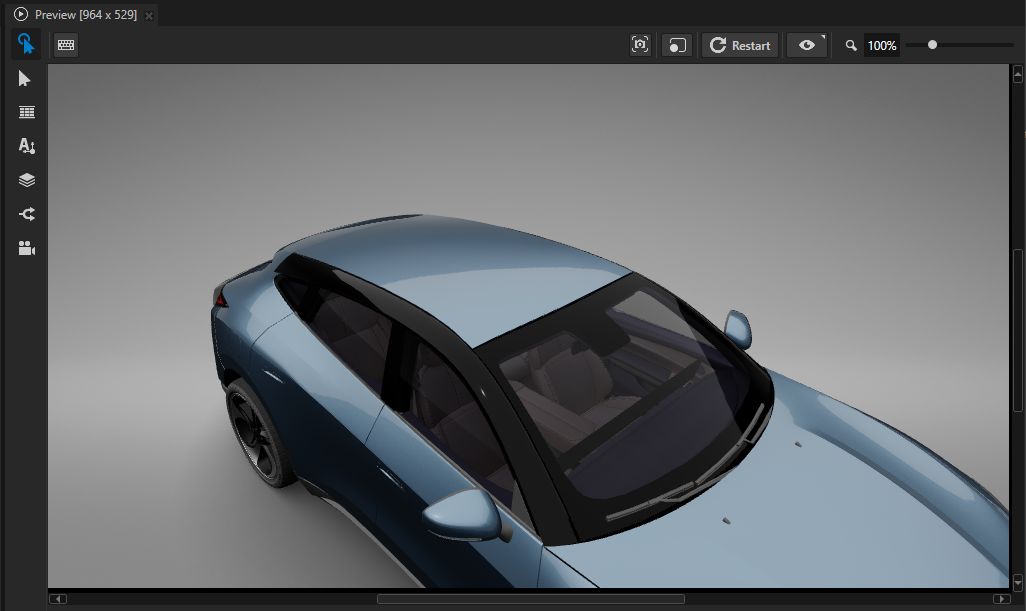
When you use a Asset Toolkit material in your project, Kanzi Studio adds that material to the Library > Materials and Textures > Materials, and the shaders used by the material to the Library > Resource Files > Shaders.