Kanzi 3.9 beta 1 release notes
New features
Data Trigger functionality.
Use a Data Trigger to apply an action to either set a property value of a target node or activate an Activity node. A Data Trigger keeps that action applied for as long as the condition in that Data Trigger is met. When the condition in that Data Trigger is no longer met, Kanzi reverts the changes that it applied using that Data Trigger. See
DataTriggerclass in the Kanzi Engine API reference.Navigation Manipulator component.
Use the Navigation Manipulator to set the keyboard keys that the user can use to navigate to different directions in your application.
Kanzi Java API extensions.
Added these additional Kanzi features to the Kanzi Java API:
DataSourceandDataObject, including support for defining new typesActionandTrigger, including support for defining new typesTextureImage2DResourceManagerProtocolHandler, which allows implementing custom resource loading in Java
Added Java Kanzi Engine plugins and Kanzi Studio support.
Kanzi Java API now enables you to write Kanzi Engine plugins entirely in Java. Like their native counterpart, these plugins allow you to break down application code into reusable modules. Each plugin can carry extensions of Kanzi functionality, including new types and related metadata.
You can export a plugin and related classes into a JAR file, import it to a Kanzi Studio project and use with the Kanzi Studio Preview.
Feature improvements
Main loop timer functionality:
The
Timerfunctionality is now part of theMainLoopSchedulersubsystem and it replaces the removedTimersubsystem.You can now add timer tasks to the Kanzi main loop stage sequence to have Kanzi execute tasks at regular intervals before or after a stage that you set.
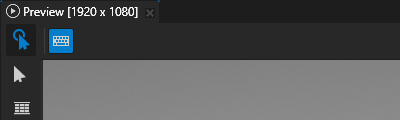
Node2Dimprovements. The caching system for 2D nodes now supports automatic cache refresh and invalidation. See Caching 2D nodes.Kanzi Studio Preview improvements. You can now control how the Preview handles keyboard input when the Preview has focus and is in the Interact mode. See Controlling keyboard input in the Preview.
Kanzi Java API improvements. Improved lifetime management of objects across Java API.
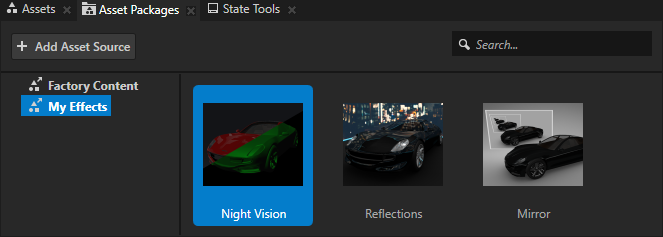
In the asset packages that you create, you can now set for each asset a custom thumbnail image that the Kanzi Studio Asset Packages window shows. See Creating an asset package.
List Box improvements:
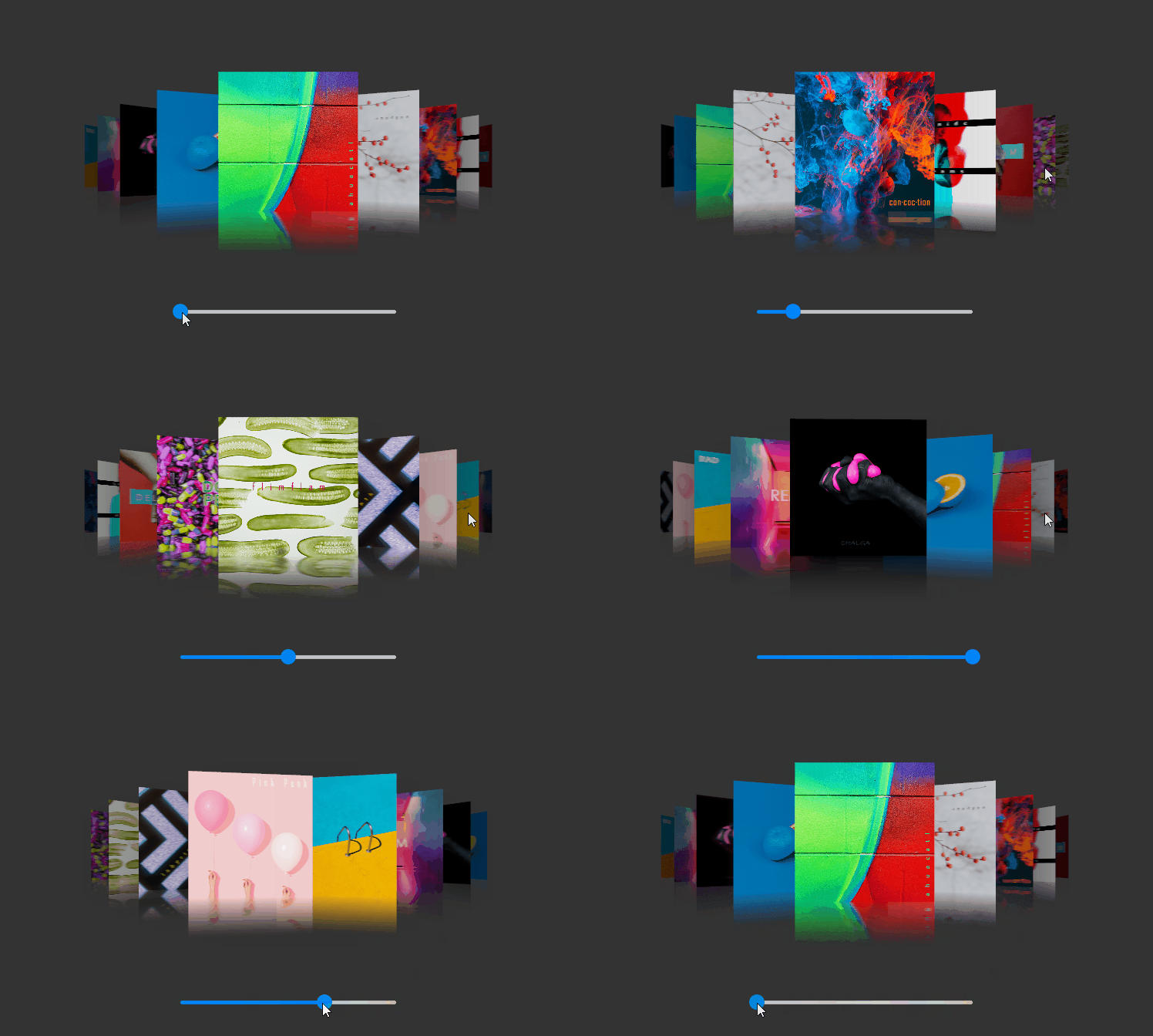
You can now access the number and position of items in a List Box node. See Accessing the number and position of items.
Introduced triggers that you can use to find out when the user starts or stops scrolling a List Box node. See List Box triggers.
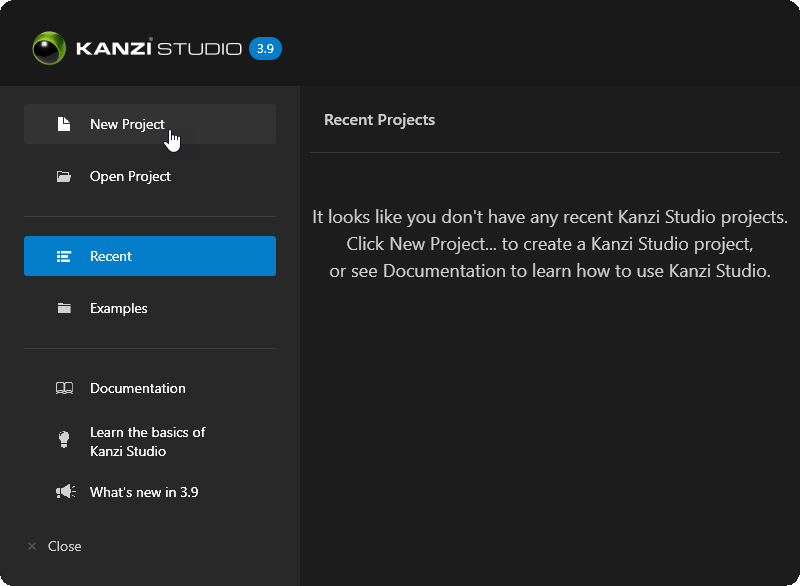
Redesigned the Welcome and Quick Start windows and combined them into a single window.
Changes
Bindings can now receive the default value of a property type. See Changes to bindings.
Changed the version of the kzb file format to 15.0.
Documentation
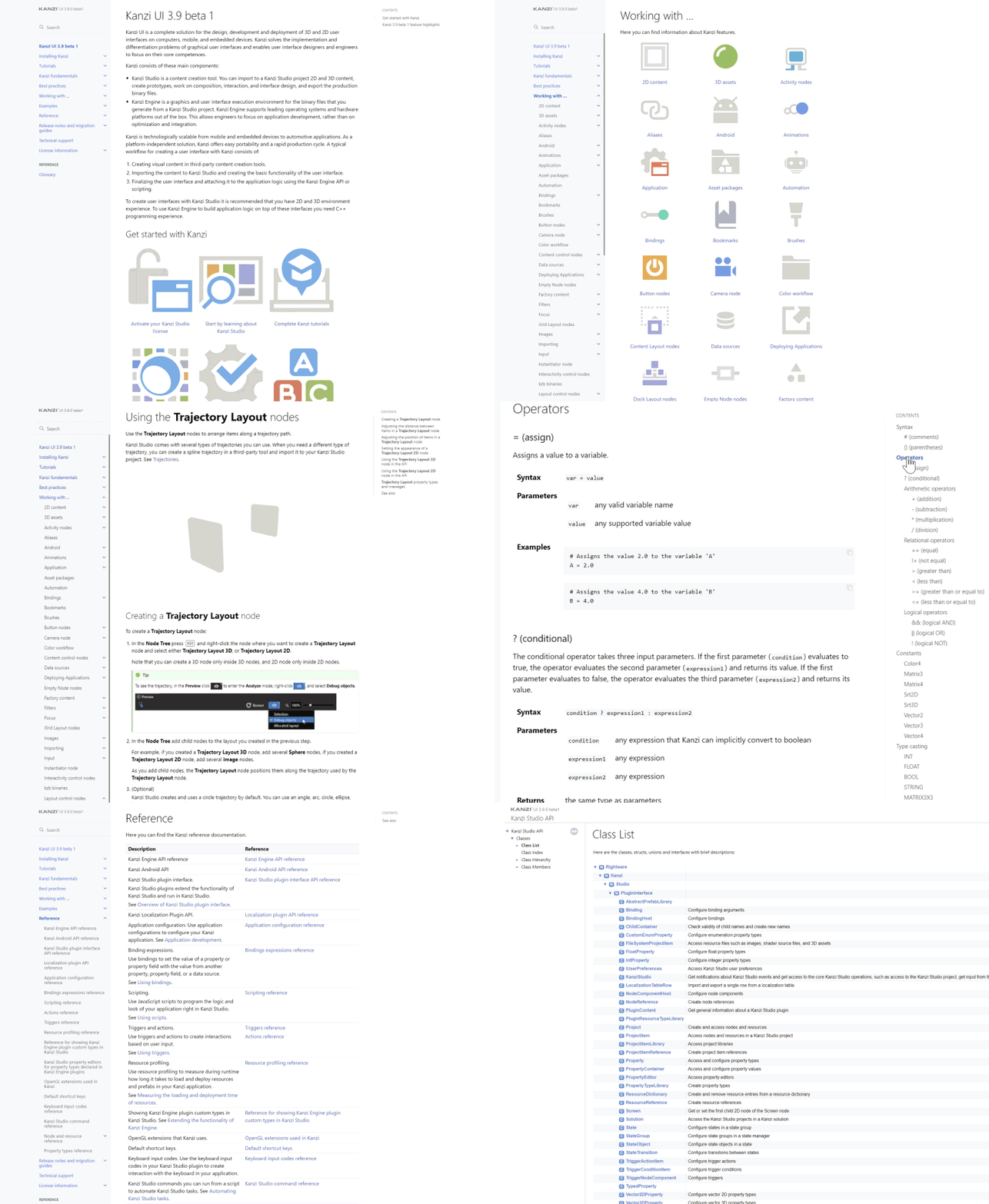
Overhauled the presentation of documentation, including the documentation layout and conceptual images.
Notable fixes
ID |
Description |
Area |
|---|---|---|
252258 |
The Scroll View 2D and Grid List Box 2D nodes now by default scroll the same amount as the user drags the pointer. |
Kanzi Engine |
358819 |
Fixed the coordinate system in the Scroll View, Grid List Box, and Trajectory List Box 3D nodes so that when the user:
|
Kanzi Engine |
360308 |
To comply with the glTF 2.0 specification, Kanzi Studio now automatically removes the ICC profile from images that you import with glTF assets. |
Kanzi Studio |
360045 |
Text Block and Text Box nodes now clip their text content to fit into the node size. |
Kanzi Engine |