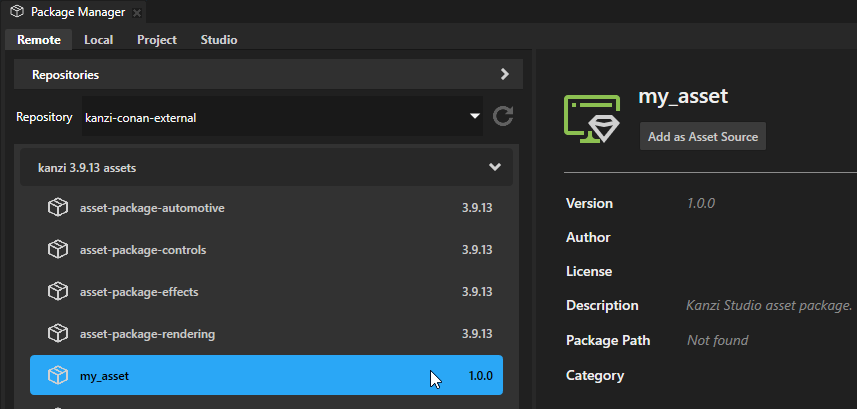
Using Package Manager to create and deploy an Asset package
Creating an Asset Package Project
To create an asset package in Kanzi Studio using the Package Manager:
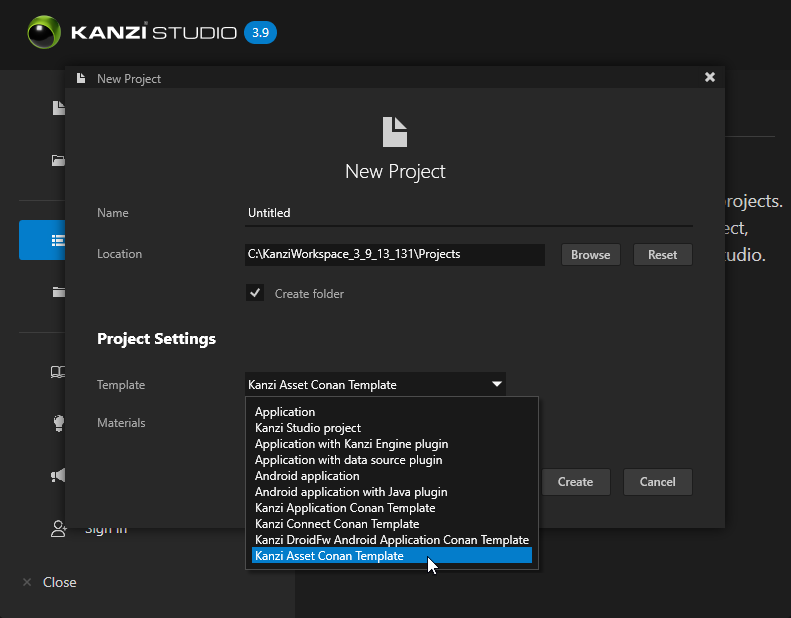
Create your project using the Kanzi Asset Conan Template from the Template dropdown.
After building the content of your project, enable the Export in Asset Package property for the assets you want to include in the package.
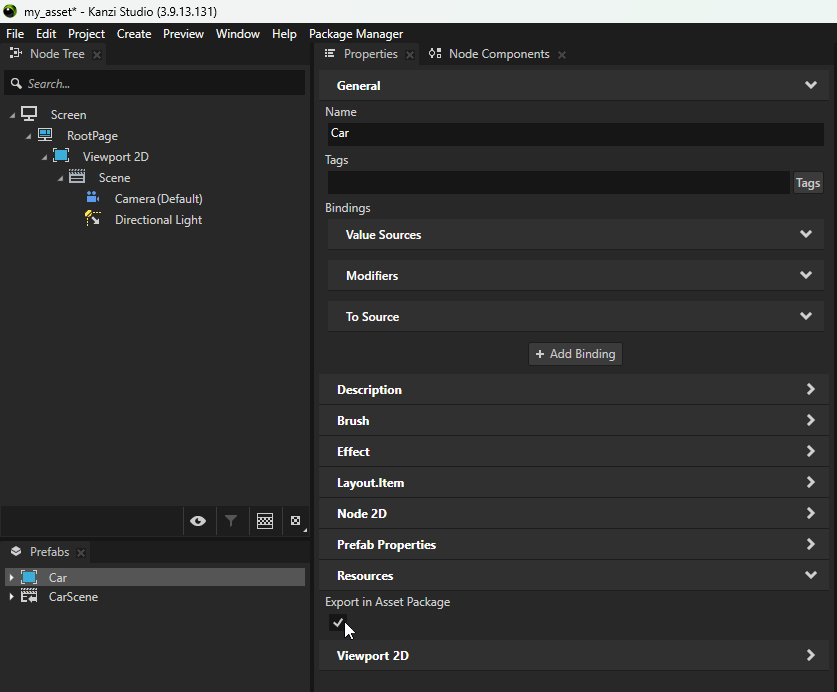
Save your project.
Creating and deploying the Asset Package as a Conan Package
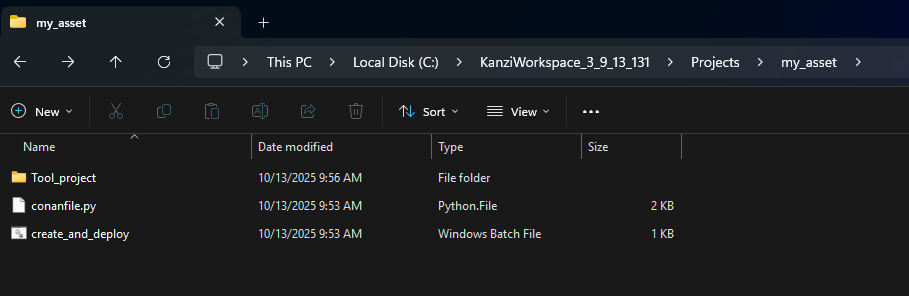
Navigate to the root of your project directory in the file explorer. You will notice two files that assist in creating and deploying the package:
conanfile.pygoverns the asset packaging.create_and_deploy.batis a convenience script that runs the Conan command to create the asset package and deploy it to a specified Conan repository.
Edit
create_and_deploy.bat:This script contains helper variables you can modify as needed. For example, set the Conan remote to which you want to deploy your asset by editing the
CONAN_REMOTEvariable. You can also update the package name, version, and the Kanzi version for which this package is intended.Run
create_and_deploy.bat:Deploys the package to the Conan remote specified in the script.
Note
This script creates a Conan package identified by the reference
my_asset/1.0.0@kanzi-3.9.13-assets/stable.Open the Package Manager in Kanzi Studio:
Select the Remote tab.
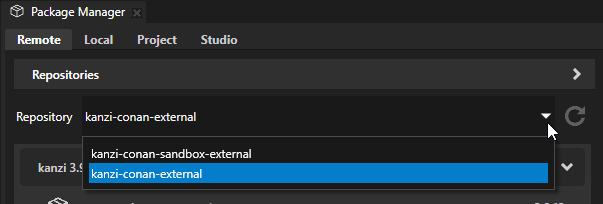
From the Repository dropdown list, select the repository to where you deployed the asset package to.
Refresh the repository list by pressing the refresh icon.
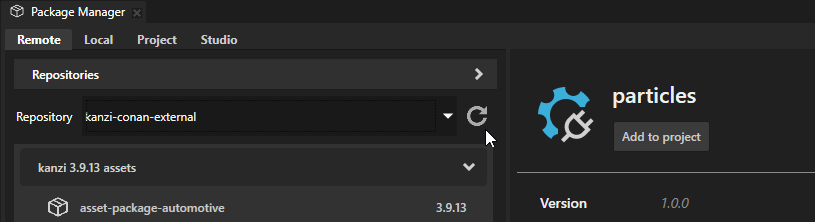
You will see your new asset package listed under the repository assets.