Using Package Manager to create and deploy an Engine plugin
Creating an Engine plugin project
To create an Engine plugin in Kanzi Studio using the Package Manager:
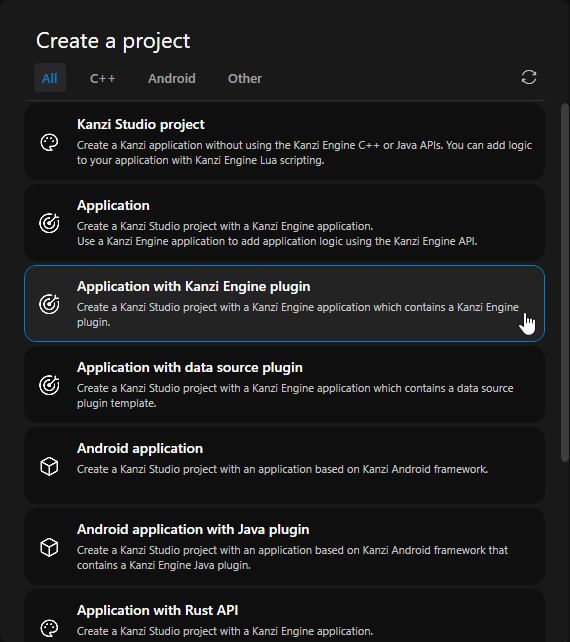
In the New Project window, create your project using the Application with Kanzi Engine plugin template.
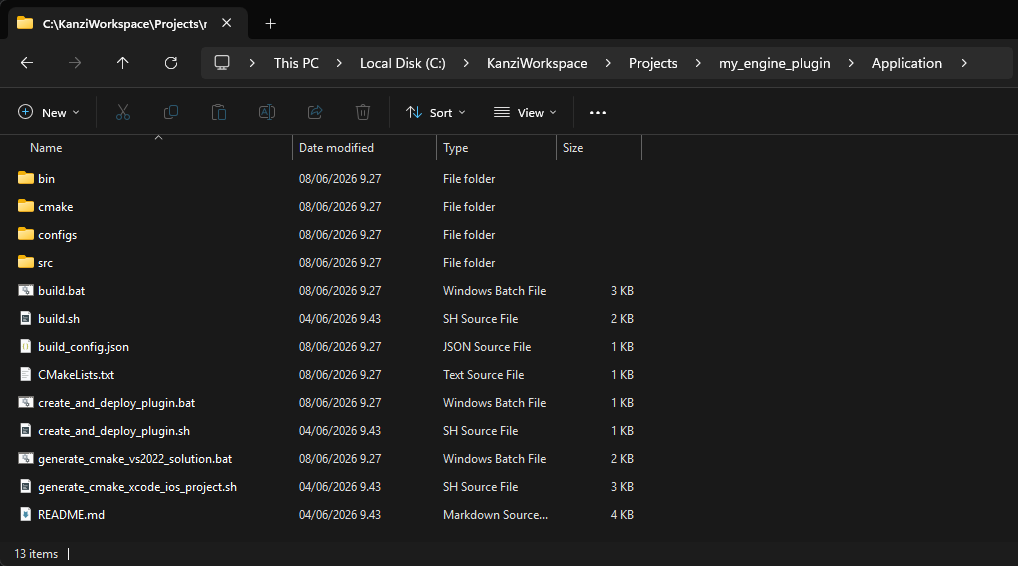
In Kanzi Studio, select File > Open in File Explorer, then navigate to the
<MyProject>\Applicationfolder, which contains the following files that assist in building and deploying the plugin:README.mdis a quick reference on how to build, package, and deploy the plugin.build.batbuilds the plugin.create_and_deploy_plugin.batis a convenience script that runs the Conan command to create the plugin package and deploy it to a specified Conan repository.
Build the plugin in Package Manager mode:
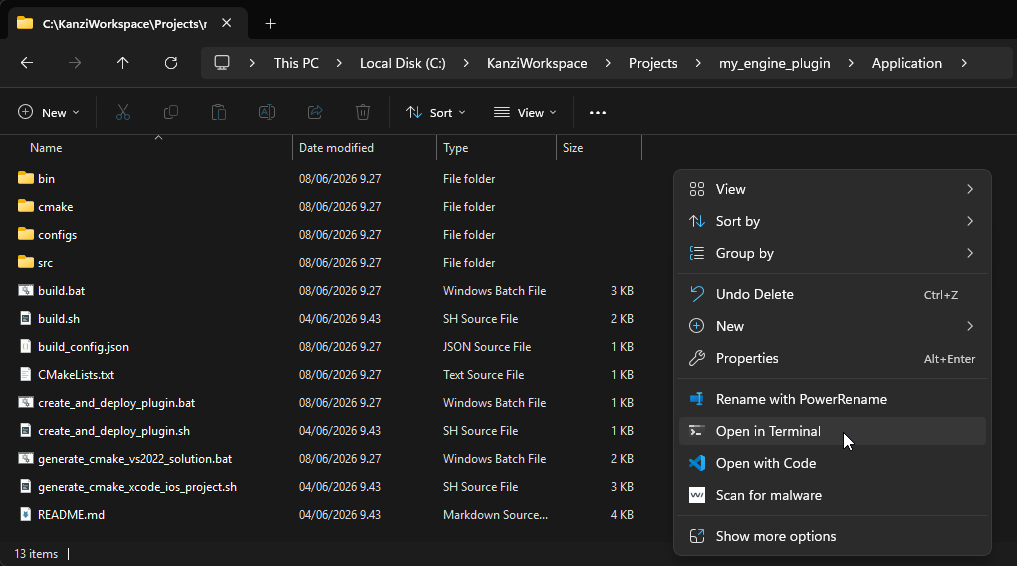
Right-click an empty area in the
<MyProject>\Applicationfolder and select Open in Terminal.
Run the build script:
build.bat kpm
This compiles the plugin application and produces the Package Manager build output that the packaging step uses to create the Conan package. This script does not create a package, and running it is not required in order to create one. Run this build script if you need to verify compilation, before packaging.
Note
On non-Windows platforms, use the build.sh script instead.
Creating the plugin as a local Conan package
To create a plugin package that you can test locally:
Run the deploy script:
create_and_deploy_plugin.bat
Builds the plugin and publishes the package to your local Conan cache. It does not upload the package to any remote.
Note
This script creates a Conan package identified by a reference of the form
my_engine_plugin/1.0.0@kanzi-4.1.0-engine-plugins/stable. Thekanzi-4.1.0-engine-pluginsuser segment is built from theKANZI_VERSIONvariable in the script; thestablechannel is the script default.Open the Package Manager in Kanzi Studio:
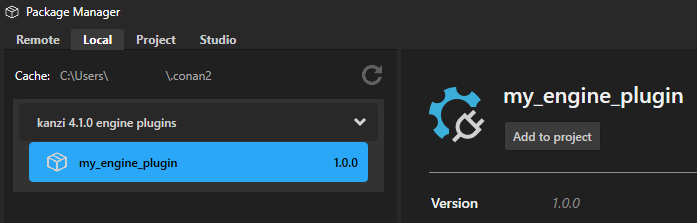
Select the Local tab.
Refresh the local packages list by pressing the refresh icon.
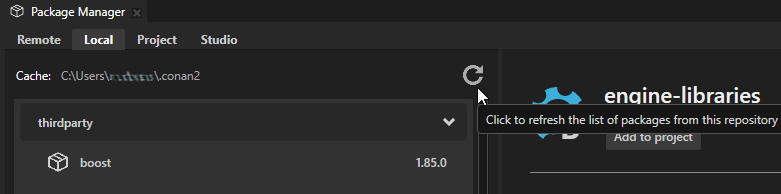
Your new plugin appears under the local packages.
Note
On non-Windows platforms, use the create_and_deploy_plugin.sh script instead.
Creating and deploying the plugin to a remote repository
To create a plugin package and publish it to a remote repository:
Run the deploy script with a profile and the remote name:
create_and_deploy_plugin.bat win64_vs2022_release <remote>Builds the plugin, publishes the package to your local Conan cache, and uploads it to the remote
<remote>.Note
This script creates a Conan package identified by a reference of the form
my_engine_plugin/1.0.0@kanzi-4.1.0-engine-plugins/stable. Thekanzi-4.1.0-engine-pluginsuser segment is built from theKANZI_VERSIONvariable in the script; thestablechannel is the script default.Open the Package Manager in Kanzi Studio:
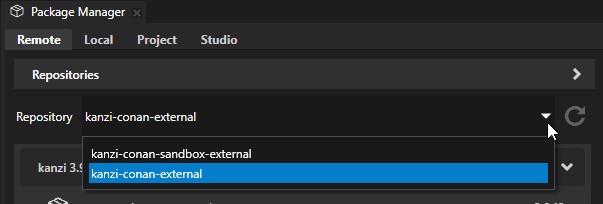
Select the Remote tab.
From the Repository dropdown list, select the repository to where you deployed the plugin.
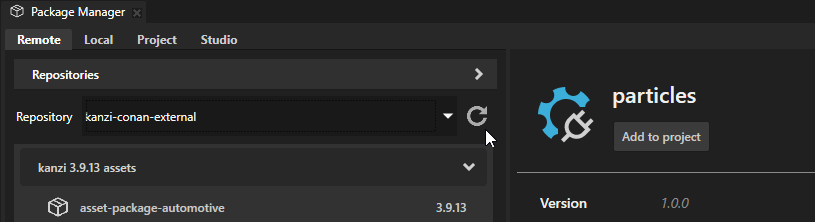
Refresh the repository list by pressing the refresh icon.
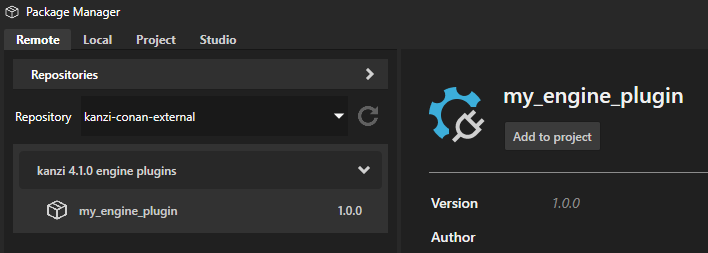
Your new plugin appears under the repository packages.
Note
On non-Windows platforms, use the create_and_deploy_plugin.sh script instead.