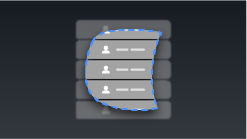
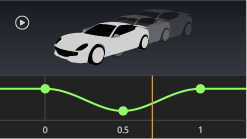
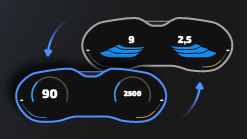
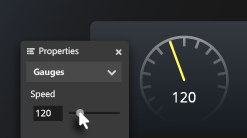
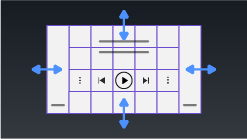
Tutorials¶ Getting started¶ Getting started with Kanzi Studio Create a simple application in Kanzi Studio UI structure¶ Structure application UI Control application UI Generate UI from a data source Combine projects into a single application Kanzi Android framework (droidfw)¶ Getting started with Kanzi Android framework Data sources for Android UI controls¶ Create a button that reacts to user actions Create a toggle button Create a slider Create a contacts list with a Grid List Box Rotate a 3D model Input¶ Create UI navigation Pan, zoom, tap Drag and drop Rendering¶ Work with materials and textures Create a Gaussian blur effect Create a bloom effect Apply a stencil to 3D content Create reflections Distribute rendering across several frames Animations¶ Create keyframe animations Interpolate property values Animate transitions between Activities Localization and theming¶ Localize your application Localize applications for right-to-left locales Theme your application Instrument cluster¶ Control a gauge needle with a property Control an indicator using the state manager Make your application layout dynamic C++ API¶ Kanzi Engine API Hello world! Program Activities with C++ Code Behind Kanzi Engine API advanced use Load and deploy resources asynchronously Get application data from a data source See also¶ To learn why Kanzi works the way it works, see Kanzi fundamentals. To learn how to use specific features in Kanzi, see Working with …. Examples