应用自定义渲染到 2D 节点
应用自定义渲染到 2D 节点,以创建后处理效果。
例如,您可以将 2D 节点中的颜色图像转换为灰度。
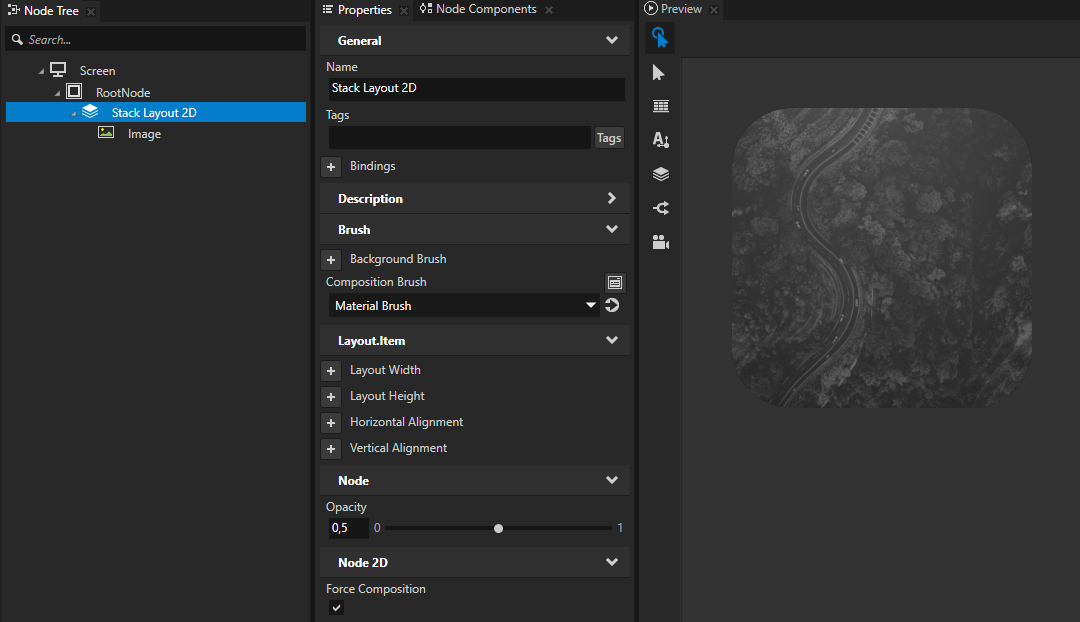
要对2D节点应用自定义渲染,使用 Composition Brush 属性将节点与 Material Brush 一起组合到屏幕上,并启用 Force Composition 属性。
要应用自定义渲染到 2D 节点:
创建您要应用自定义渲染的材质。
例如,要创建一个用于将颜色转换为灰度的材质:
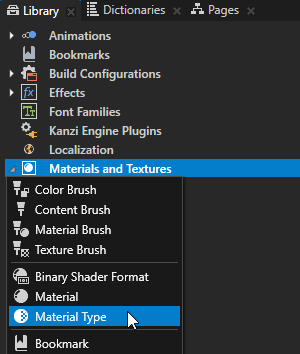
在 Library 中,按 Alt 并右键单击 Materials and Textures 并选择 Material Type。Kanzi Studio 创建一种材质类型和使用该材质类型的材质。
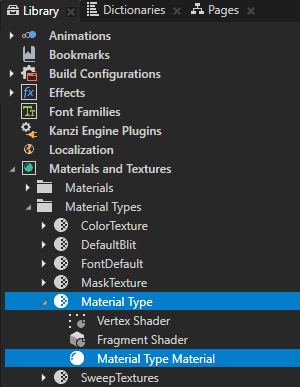
在 Library > Materials and Textures > Material Types 中,展开您创建的材质类型。双击 Vertex Shader 在 Shader Source Editor 中打开它,将现有的着色器代码替换为此代码,并保存着色器。
#version 310 es

in vec3 kzPosition;
in vec2 kzTextureCoordinate0;
uniform highp mat4 kzProjectionCameraWorldMatrix;

out mediump vec2 vTexCoord;

void main()
{
    precision mediump float;
    vTexCoord = kzTextureCoordinate0;
    gl_Position = kzProjectionCameraWorldMatrix * vec4(kzPosition.xyz, 1.0);
}
打开 Fragment Shader,将现有的着色器代码替换为此步骤中的代码,并保存着色器。
在着色器中,使用这些 Kanzi 默认 uniform:
ContentTexture用于定义渲染节点在渲染时提供的纹理。RenderOpacity用于定义渲染节点的不透明度。
请参阅 着色器 uniform。
#version 310 es

uniform sampler2D ContentTexture;
in mediump vec2 vTexCoord;
uniform lowp float RenderOpacity;
layout(location = 0) out vec4 fragColor;

void main()
{
    precision mediump float;
    // Use this algorithm to convert the colors in the texture used by
    // the 2D node to grayscale.
    // To integrate to the Kanzi rendering pipeline, the shader must output
    // premultiplied alpha.
    vec4 color = texture(ContentTexture, vTexCoord);
    float grayscale = dot(color.rgb, vec3(0.21, 0.72, 0.07));
    float alpha = color.a * RenderOpacity;
    vec3 premultipliedColor = vec3(grayscale) * alpha;
    fragColor = vec4(premultipliedColor, alpha);
}
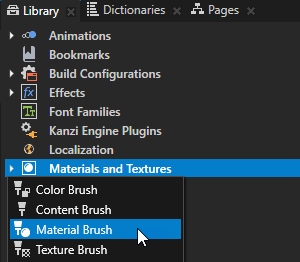
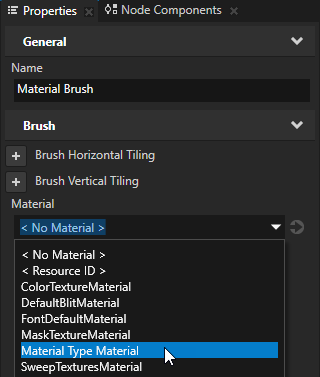
在 Library 中,按 Alt 并右键单击 Materials and Textures 并选择 Material Brush。在 Properties 中,将 Material 属性设置为您在上一步中创建的材质。
在 Node Tree 中,创建或选择一个 2D 节点,以应用您创建的材质。例如,创建一个 Stack Layout 2D 节点。在 Stack Layout 2D 节点中,创建一个 Image 节点。
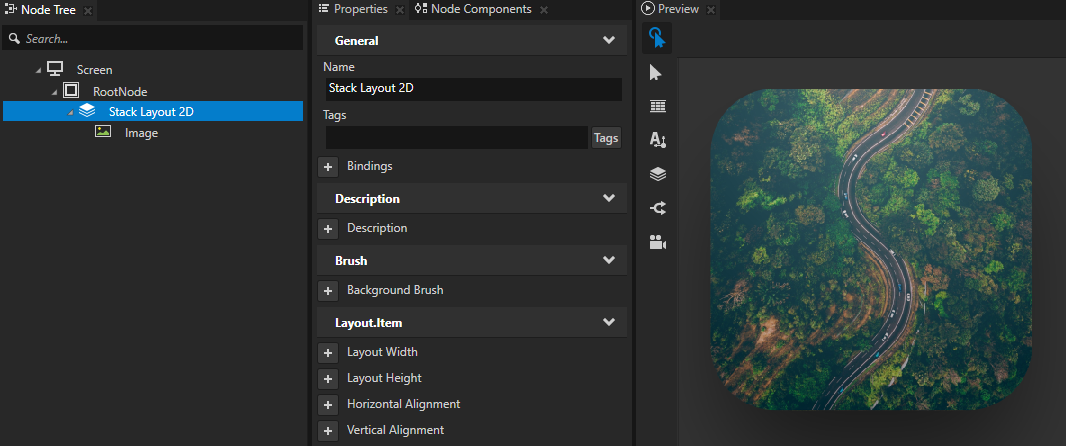
在 Properties 中,添加并设置:
将 Brush Composition Brush 到使用您要应用于该节点的材质的材质画笔。
Node 2D > Force Composition 以启用
(可选) Render Target > Multisample Level 到您想要应用于内容的抗锯齿采样数量。
(可选) Node > Opacity 来控制节点的透明度。