使用 Instantiator 节点
使用 Instantiator 节点来复制 Instantiator 节点所针对的 3D 节点或 3D 节点树的外观。
Instantiator 节点包含对目标节点或节点树的引用。当 Kanzi 渲染 Instantiator 节点时,它会复制 Instantiator 节点所指向节点的外观。这意味着对目标节点的所有更改始终会反映在 Instantiator 节点中。例如,您可以使用 Instantiator 节点来创建反射。
每个 Instantiator 节点都有一个独特的变换,因此您可以使用多个 Instantiator 节点来定位同一个节点。您不能覆盖 Instantiator 节点中的其他属性,因此所有实例都是相同的。然而,每个 Instantiator 节点是单独渲染的。例如,这使得灯光可以对不同位置的 Instantiator 节点产生不同的影响。
要为节点创建真正独特的实例,请将节点转换为预设件,并使用预设件的实例。请参阅 使用节点预设。
请注意,Instantiator 节点仅影响渲染。由于 Instantiator 节点的布局大小为 0,您无法在布局中使用它。实例化的节点不可交互。
通过完成教程学习如何使用 Instantiator 节点。请参阅 教程:创建反射。
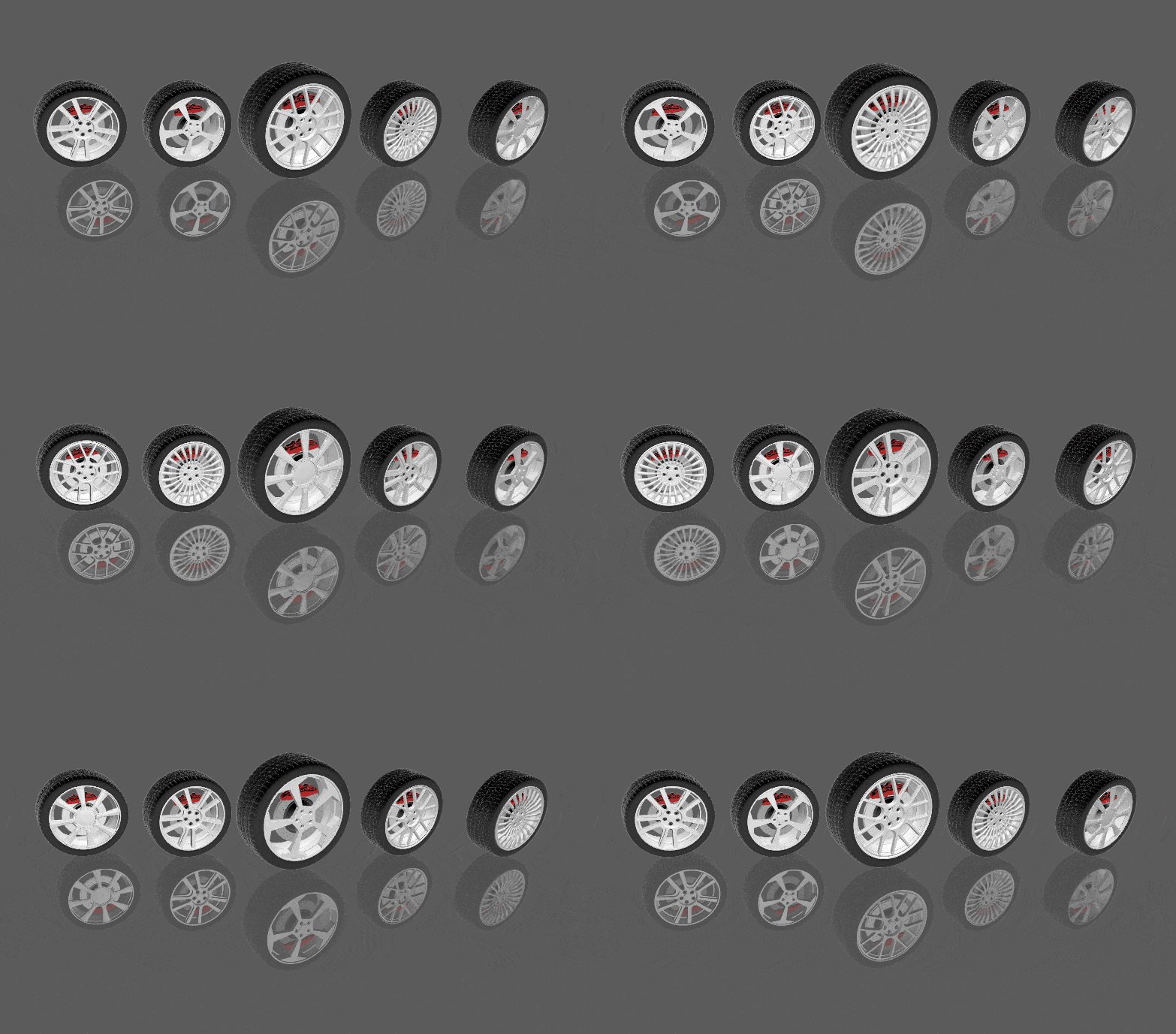
创建一个 Instantiator 节点
要创建一个 Instantiator 节点:
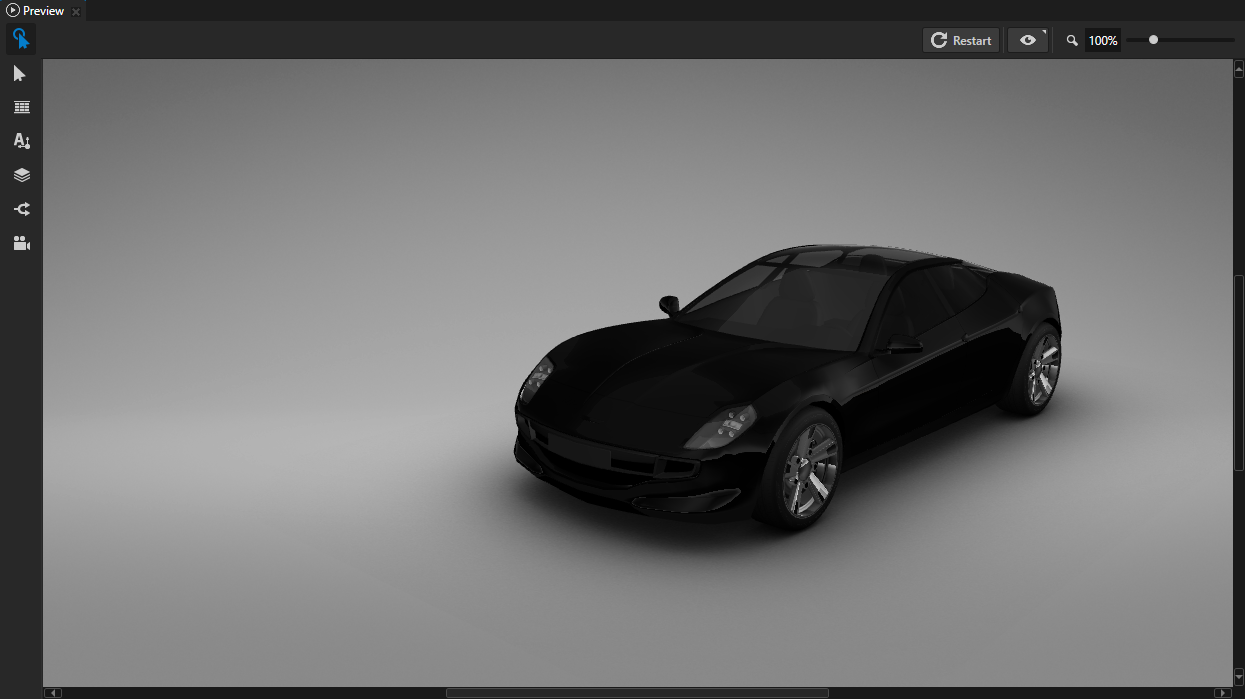
创建要使用 Instantiator 节点复制的内容。
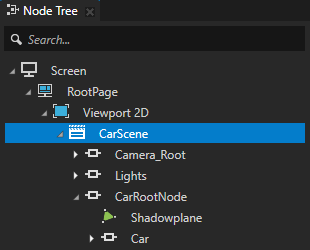
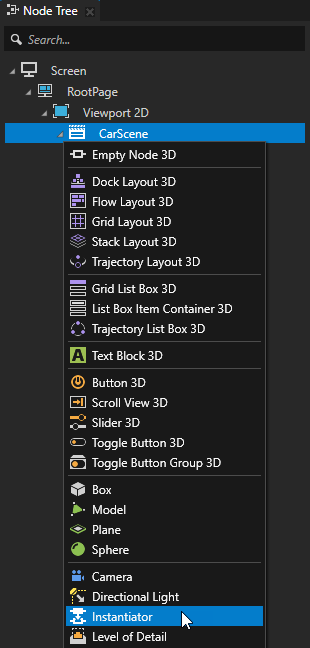
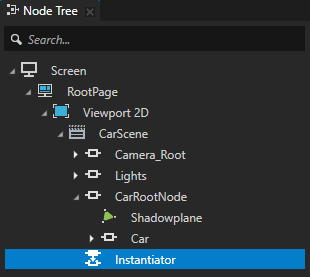
在 Node Tree 按 Alt 并右键单击 中,选择要创建 Instantiator 节点的节点,并选择 Instantiator。
您只能在 3D 节点中创建一个 Instantiator 节点。
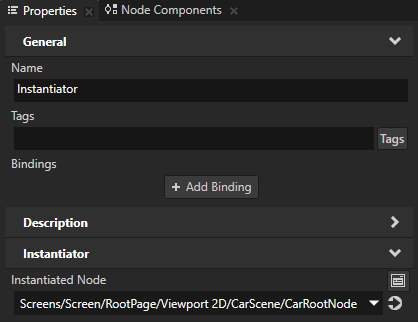
在 Node Tree 中选择 Instantiator 节点,并在 Properties 中将 Instantiated Node 属性设置为您要使用此 Instantiator 节点复制的节点。
Kanzi Studio 实例化该节点。
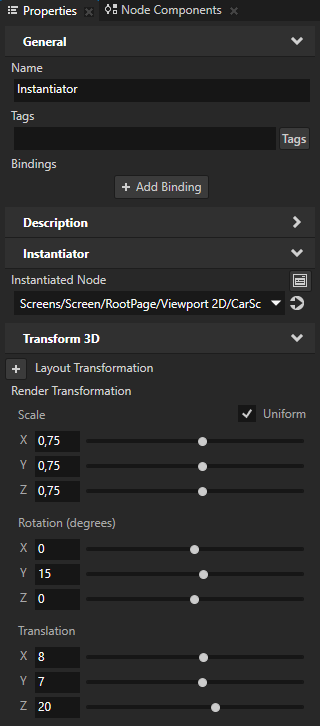
在 Properties 中设置 Instantiator 节点的变换。
例如,添加并设置 Render Transformation 属性以缩放、旋转和定位实例化的节点。
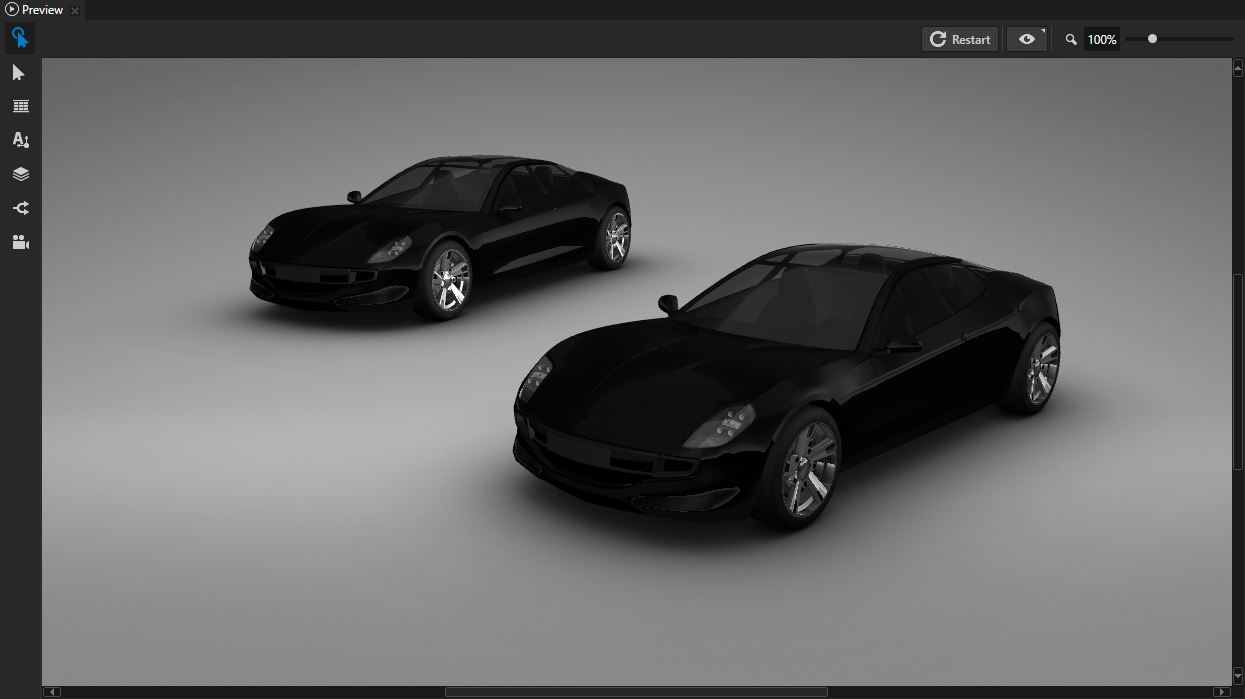
从节点创建一个 Instantiator 节点。
要从节点创建一个 Instantiator 节点:
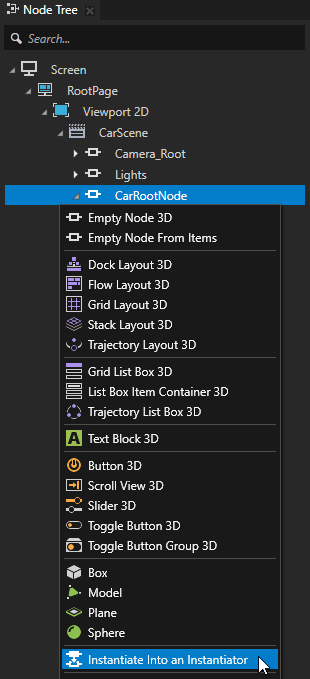
在 Node Tree 按 Alt 并右键单击 中,选择您希望 Instantiator 节点显示的节点,并选择 Instantiate Into an Instantiator。
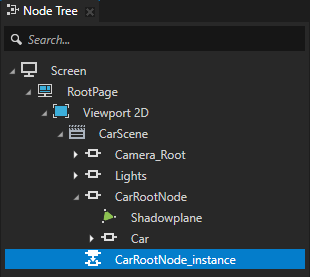
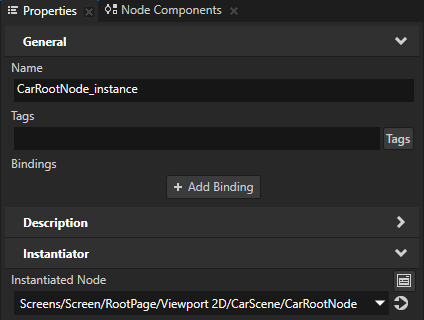
Kanzi Studio 创建一个 Instantiator 节点,并将其 Instantiated Node 属性设置为所选节点。
在 Properties 中设置 Instantiator 节点的变换。
例如,添加并设置 Render Transformation 属性以缩放、旋转和定位实例化的节点。
使用 API 中的 Instantiator 节点
要使用 Instantiator 节点创建反射:
// Create an Instantiator node named Instantiator3D.
Instantiator3DSharedPtr instantiator = Instantiator3D::create(domain, "Instantiator3D");
// Set the node that you want the Instantiator node to reflect.
instantiator->setTarget(targetNode);
// To mirror the target node across the xz plane, set the scaling of the Instantiator node
// to a non-uniform value. This inverts all triangles, so you must disable the backface
// culling rendering for the Instantiator node.
instantiator->setRenderTransformation(SRTValue3D::createScale(Vector3(1.0f, -1.0f, 1.0f)));
有关详细信息,请参阅 Instantiator3D 类。
Instantiator 节点属性类型和消息。
有关 Instantiator 节点的可用属性类型和消息的列表,请参阅 Instantiator。